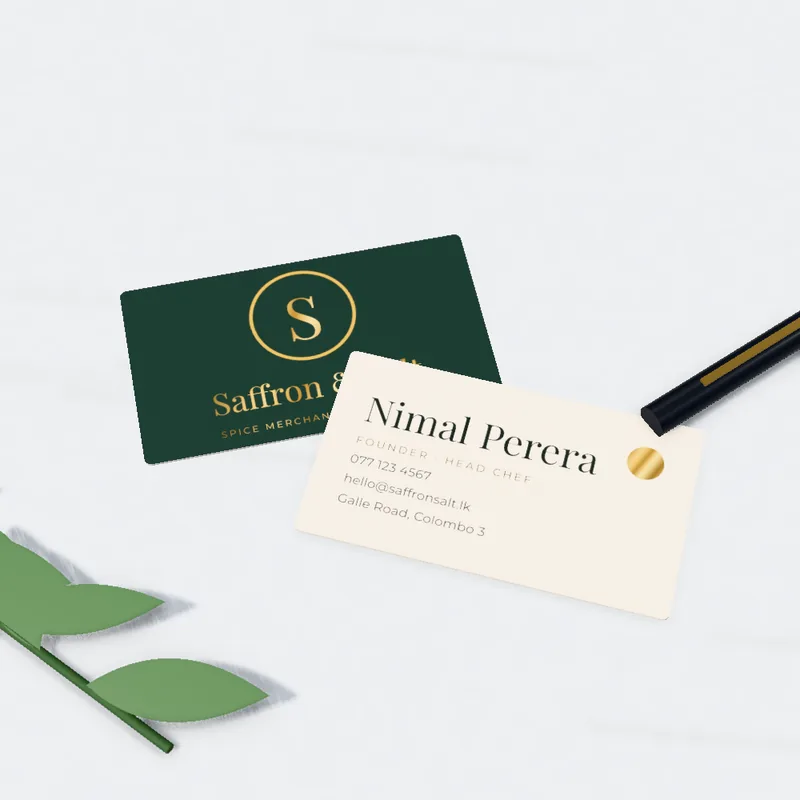
 MADE TO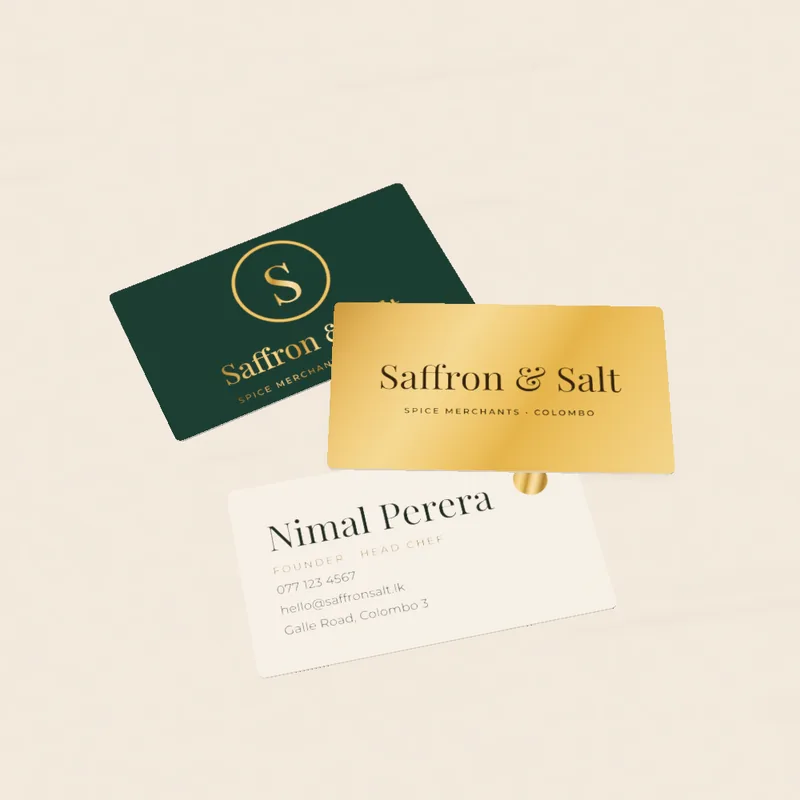
Short answer: make your normal artwork on one page, then add a second page or layer in 100% black that shows only the areas to gloss or foil. Everything black on that layer gets the effect.
What spot UV and foil are
- Spot UV is a gloss coating on selected areas, so a logo or pattern shines against a matt card.
- Foil is a metallic layer (such as gold or silver) pressed onto selected areas.
Cards and flyers with these finishes: premium finish cards, spot UV postcards, foil flyers.
Step by step
- Finish your design in CMYK with 3 mm bleed. Start from a free template.
- Make the mask. Copy the shapes you want glossy or foiled onto a new layer or page.
- Fill them 100% black (K) and remove everything else. No greys, no gradients.
- Name it clearly, for example
SPOT_UVorFOIL_GOLD, and keep it on its own page or layer. - Export one PDF: page 1 is your artwork, page 2 is the mask. Back and front each need their own mask.
Design tips
- Keep shapes bold and simple. Very fine lines and tiny text do not hold well. If your design is delicate, ask us for the minimum before you finish.
- Leave a little space between a foil area and the card edge.
- Spot UV looks best on matt or soft-touch stock, where the contrast is strong.
- Do not rely on gloss to carry small text.
Before you send
- [ ] Mask is 100% black only
- [ ] Mask lines up exactly with the artwork
- [ ] Mask on its own layer or page and named
- [ ] Fonts outlined
Frequently asked questions
Can I put spot UV on any card?
Ask us. The best results are on matt or soft-touch stock.
Do I send the mask as a separate file?
One PDF with the mask as the second page is easiest. Tell us if you send two files.
Can you create the mask for me?
Yes, our designers can. Tell us which parts to highlight.